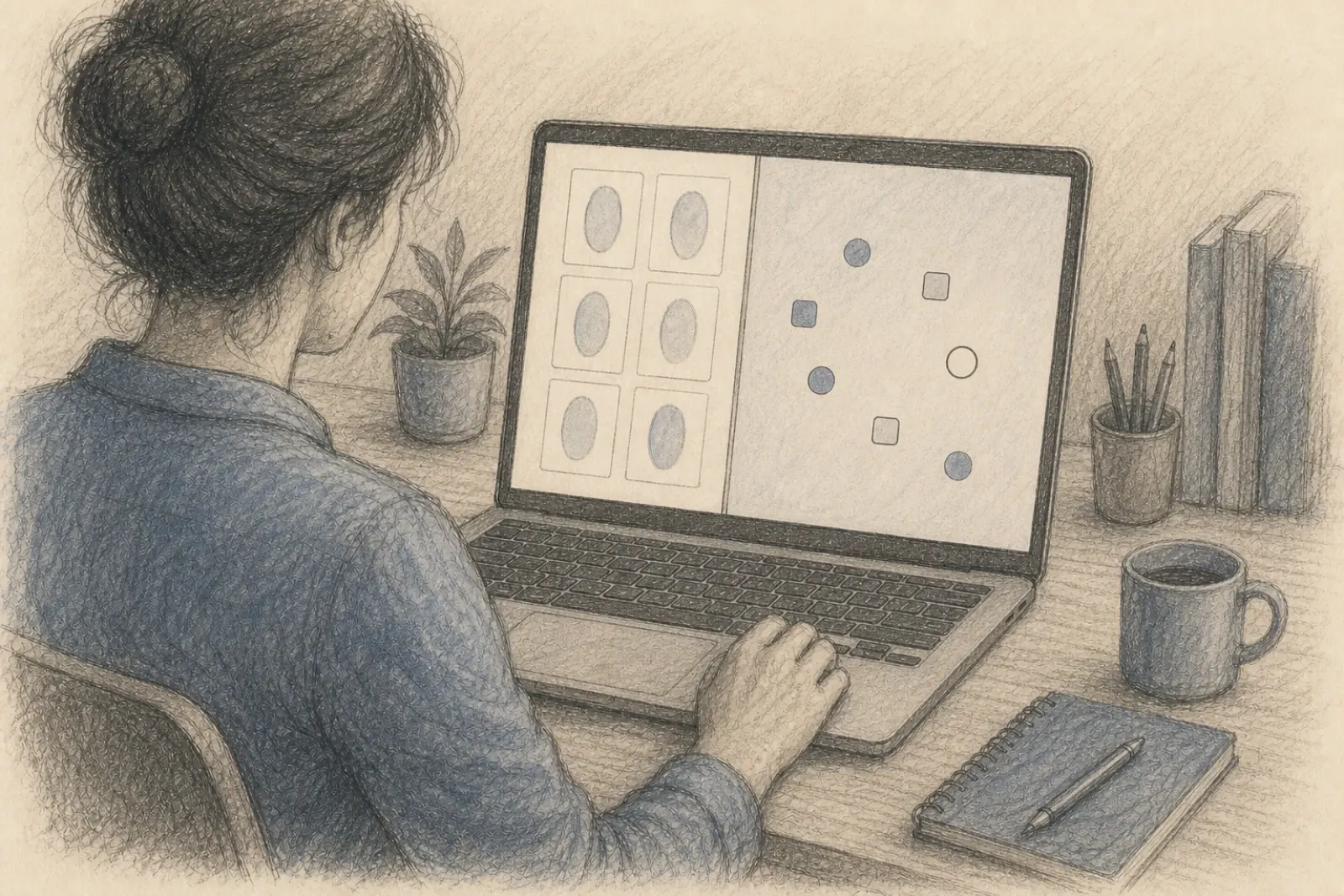
A family constellation workshop day online asks slightly different things of you than the same day in Brussels, and almost all of the difference is in the twenty minutes before it starts.
This is the online layer only. What a workshop day is actually like, and the preparation that has nothing to do with screens, are covered in how to prepare for a workshop, and everything about how a constellation itself runs on a screen is in how online constellations work. What follows is the part neither of those covers.
Joining
You’ll have a joining link in every email we send you from the confirmation onwards, so you can never be left hunting for it, and we send it again on the morning itself.
If the day uses a shared online space, you’ll also have been sent what you need to get into it, separately and well before the day. There’s nothing to work out live and nothing to install. If anything you’ve been sent doesn’t work, tell us the day before rather than three minutes before we start, and it takes about a minute to fix.
Open everything once, the day before, while nothing is at stake. Fifteen seconds of checking removes the entire category of worry.
The two window setup
This is the one piece of genuinely useful advice on the page.
For most of the day you’ll want two things visible at once: the faces of the group, and the shared space where the constellation is standing. On a laptop you can put them side by side, each taking half the screen, and once you’ve done it you stop thinking about it.
It’s worth arranging that before we begin rather than during the first constellation. Rearranging windows can take you out of the moment, and is something best done while you don't feel rushed.
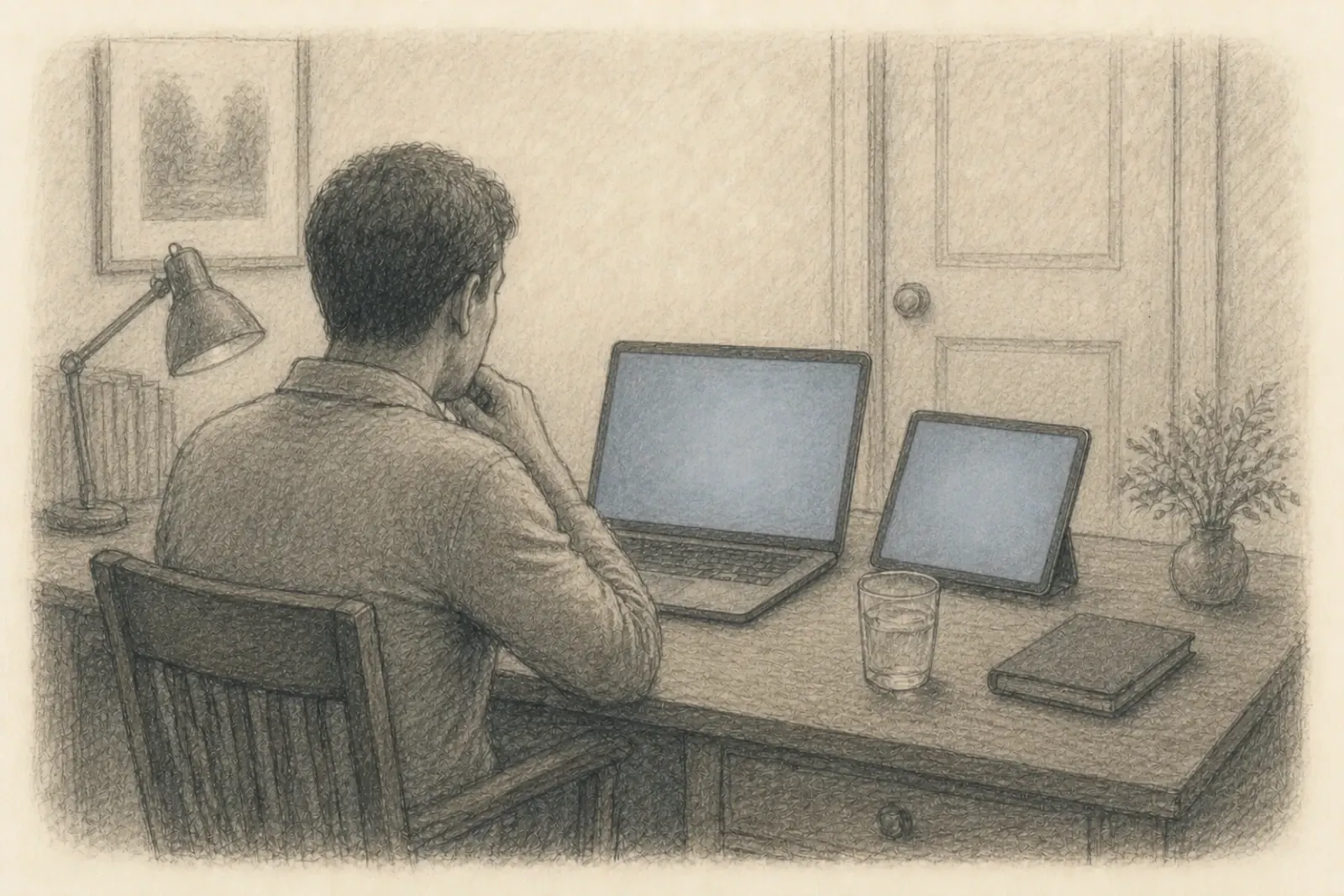
A tablet works and a phone will do at a pinch, but neither will hold two windows comfortably, so you’ll be switching back and forth all day. If a laptop is possible, use the laptop. If it isn’t, say so beforehand and we’ll make sure you’re not disadvantaged by it; it has never once been the reason someone got less out of a day.
Being part of the group
Three small habits make an afternoon online much easier.
Keep your microphone muted unless you’re speaking. In a group of fifteen, one unmuted kitchen is louder than everything else happening. In case your microphone does become disruptive, we might mute you. Not while you're talking, but to take care of the group instead. And you can always unmute yourself if you want to say something.
Keep your camera on if you possibly can. I know that’s the less comfortable ask. But in this work the group holds the room together, and a wall of dark squares is a thinner room for everyone in it, including you. If you need to go off camera for a while, that’s completely fine; just say so rather than vanishing. It’s also how we keep track of where you’re still with us.
Get up in the breaks, and leave the screen. Actually leave it. Look out of a window, walk to another room, make something to drink. A day of constellations is long, and a body that hasn’t moved since breakfast goes flat somewhere in the early afternoon, which then gets mistaken for the constellation not landing.
When something breaks
It will, occasionally, and it’s completely ordinary.
If your connection drops, rejoin with the same link. We’ll still be there and nothing will have been lost; a constellation moves slowly enough that you can come back into it. If your screen freezes, or you’ve lost the shared space, or you simply can’t see what everyone else is looking at, say so out loud, in the moment.
That last one matters more than any of the technical advice above. Nothing about a day is spoiled by a technical hitch. What does spoil it is somebody sitting quietly for twenty minutes pretending they can still see, because by the time they say something the constellation they were part of has finished.
The evening after
The same rule as an in-person day, with one addition: get away from the screen you’ve been working on. Something usually keeps moving for a few hours after a workshop, and it lands better on a walk than on the same laptop you just spent the day inside.
The dates and the practical details are on the workshops page.